"My definition of major risk is a threat to humans and their immediate environment, to their facilities, a threat so serious that society finds itself completely overwhelmed by the immensity of the disaster."
Haroun Tazieff (volcanologist, politician)
My Keeper allows you to anticipate the major risks you may face by creating a digital crisis plan (scenario template) tailored to each risk.
Haroun TAZIEFF described the major risk in this way. Although natural disasters are inevitable, prevention aims to reduce their impact. This includes understanding the risks, informing, educating, monitoring, forecasting, reducing vulnerability, protecting, preparing for crises, learning from experience, and empowering people.
Alarm triggers and audible alarms interconnected using GSM-4G technology.
SOS button
Audible alarm
IP67 protection rating: water and dust resistance
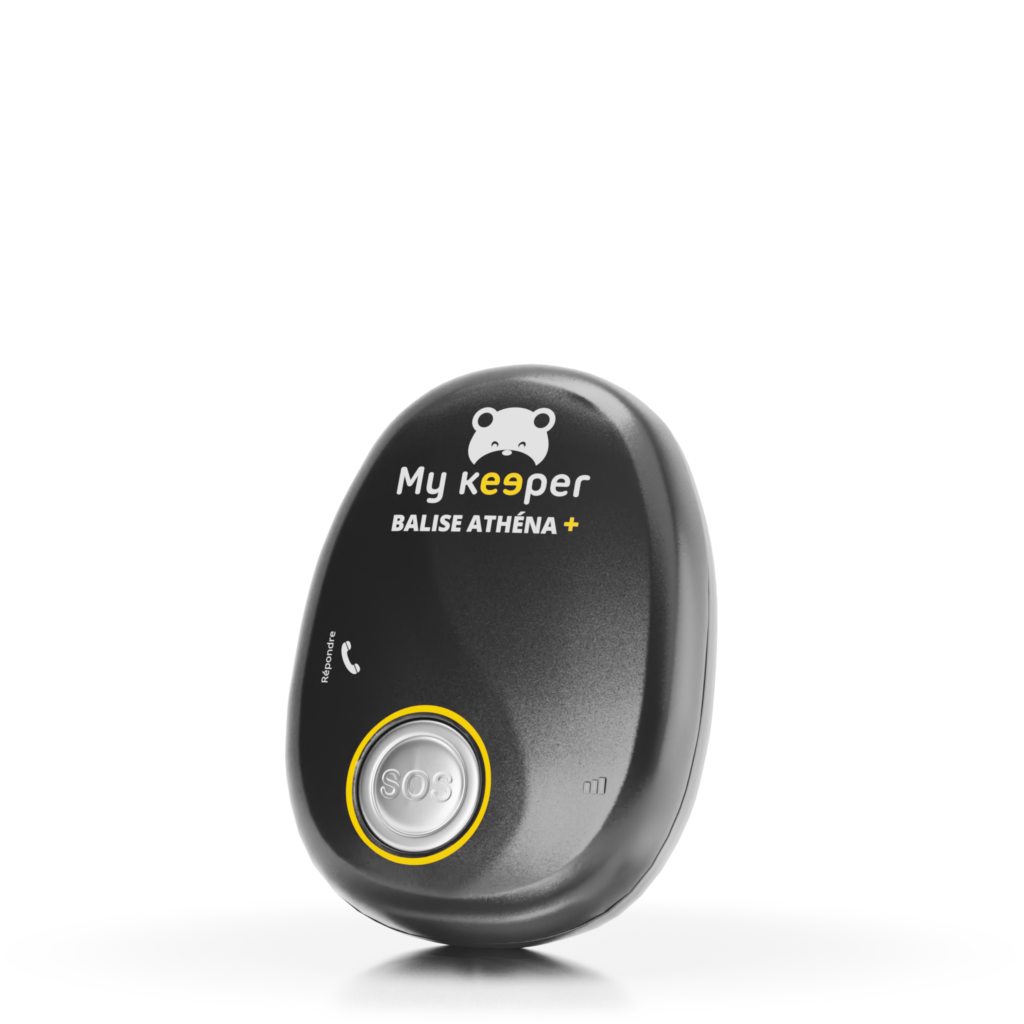
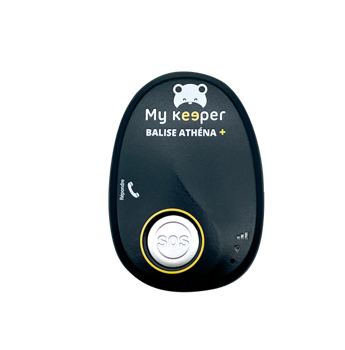
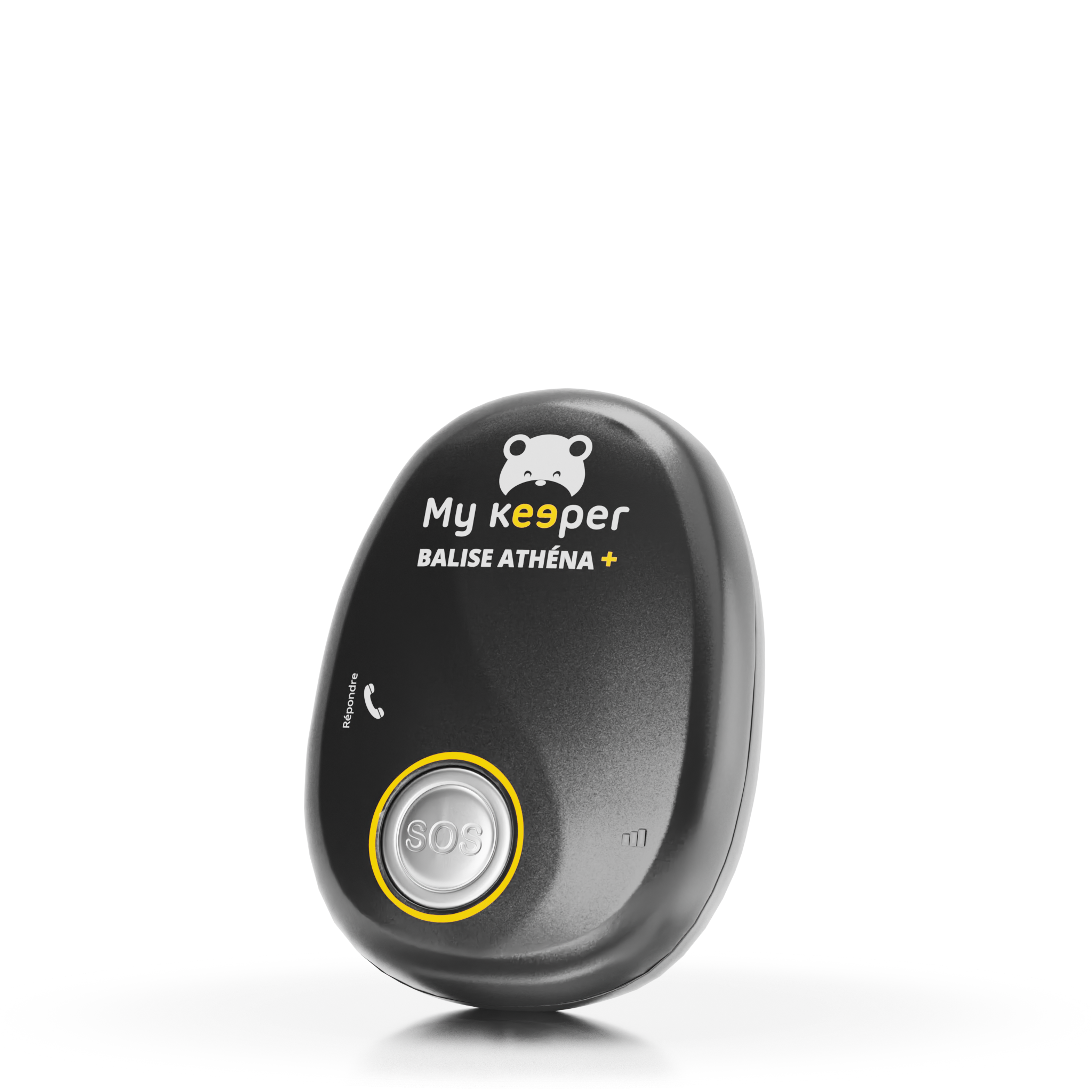
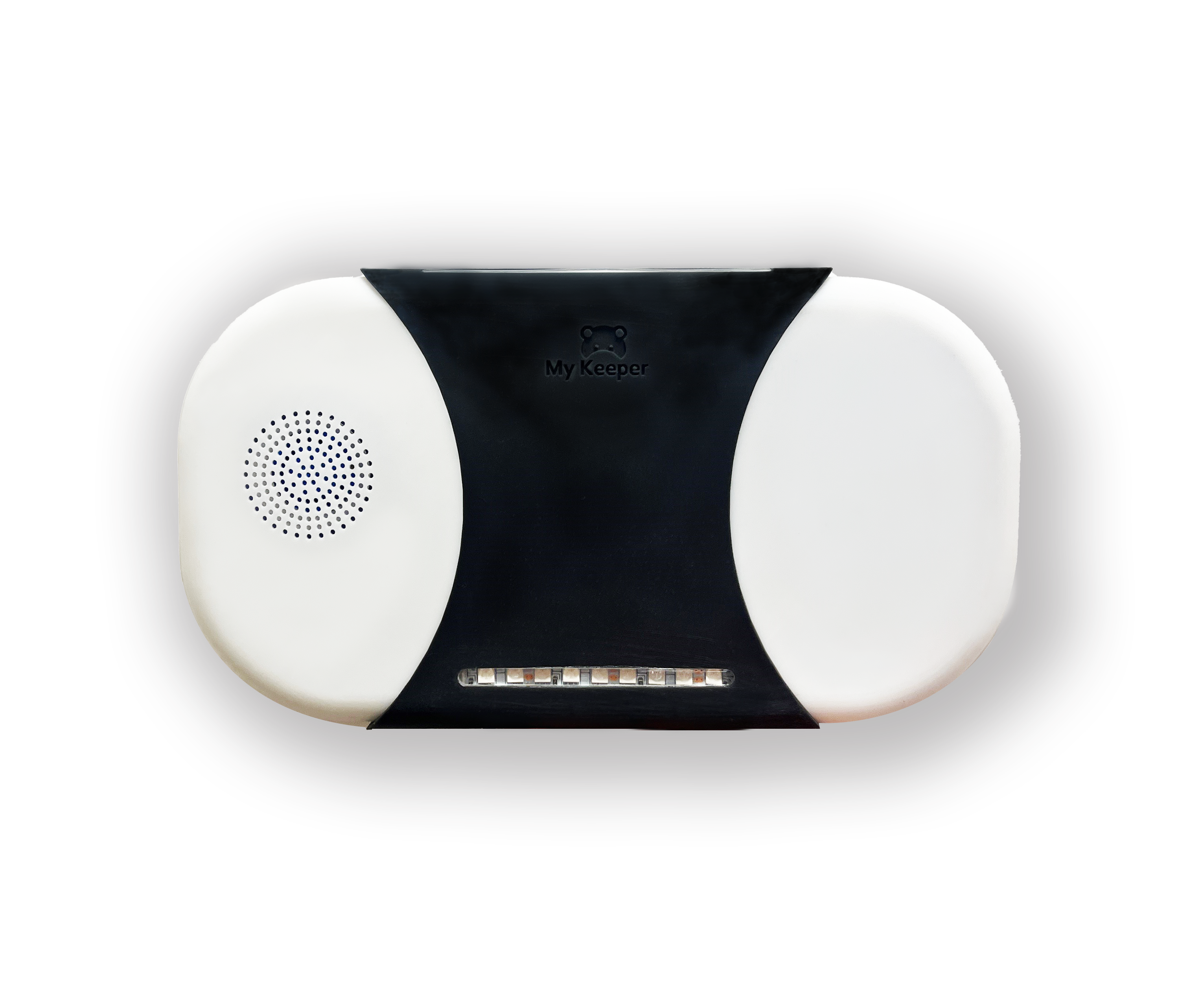
The ATHENA+ beacon is a powerful communication center that automates the chain of events for triggering alerts and broadcasting alarms.
IT IS EQUIPPED WITH:
90 dB audible alarms
Programmable RGB LEDs
Built-in speakers and microphone
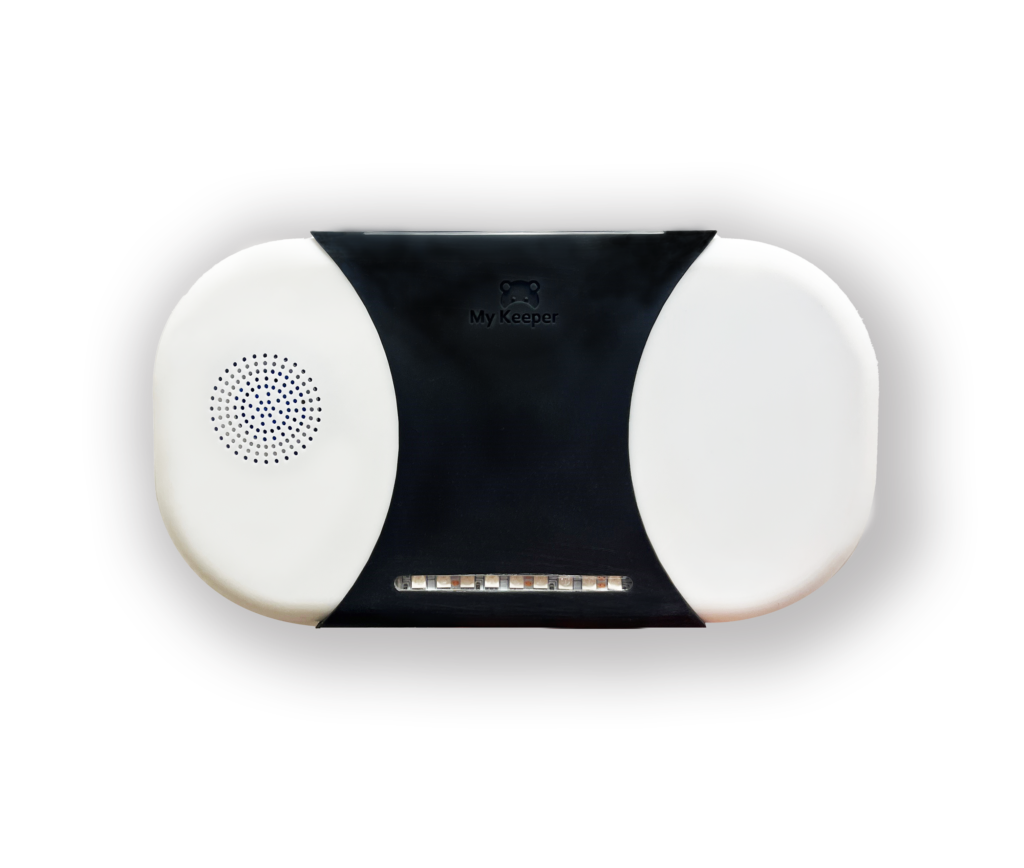
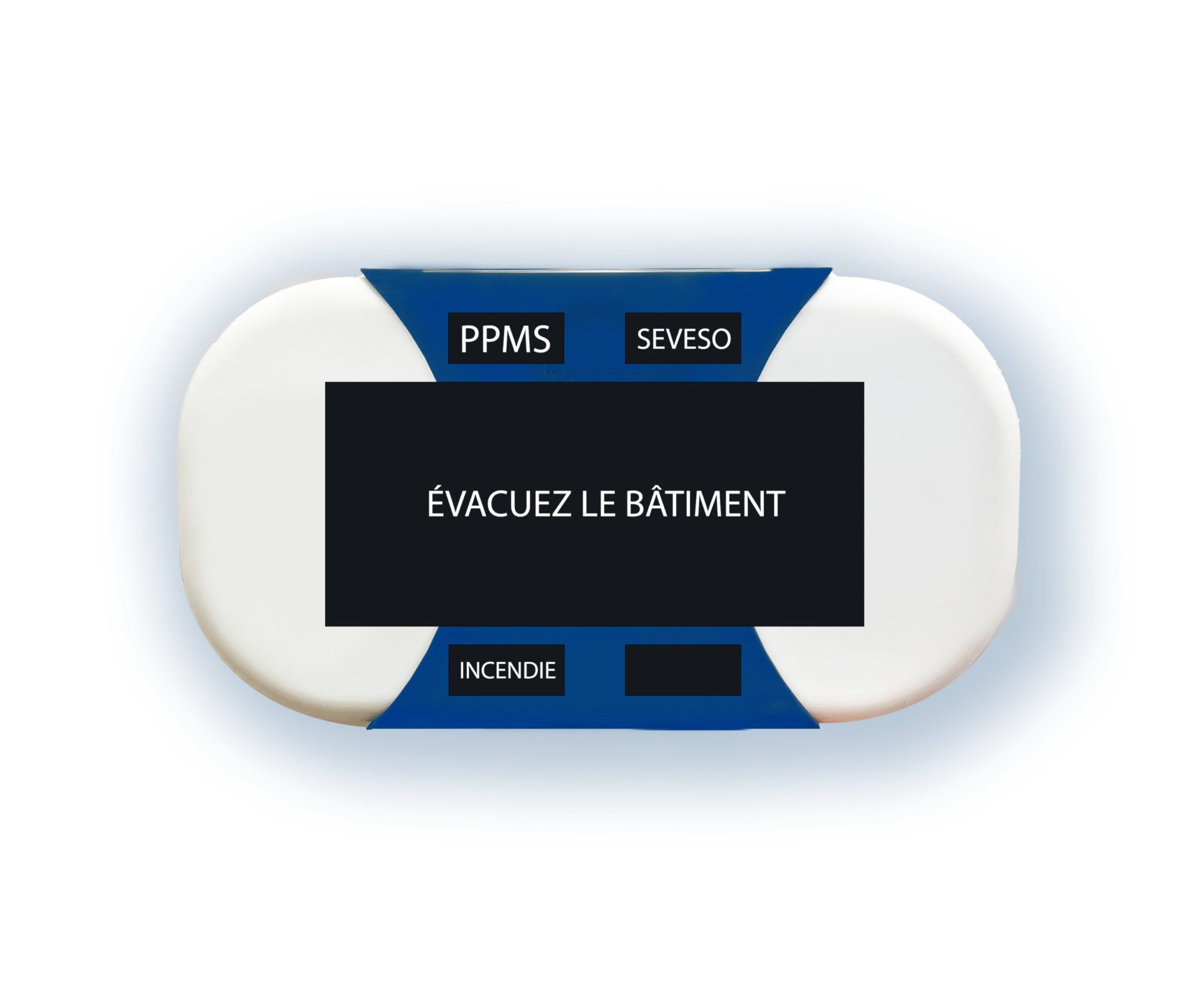
HESTIA+ sirens function like beacons. They are devices that emit audible and visual alerts.
It is also possible to communicate via sirens. They have a backup battery with 72 hours of autonomy.
The siren broadcasts spoken alert messages such as:
IT IS EQUIPPED WITH:
The final design may vary before it becomes available. Image not contractually binding.
Audible alarm 100 to 115dB
Blue flashing light
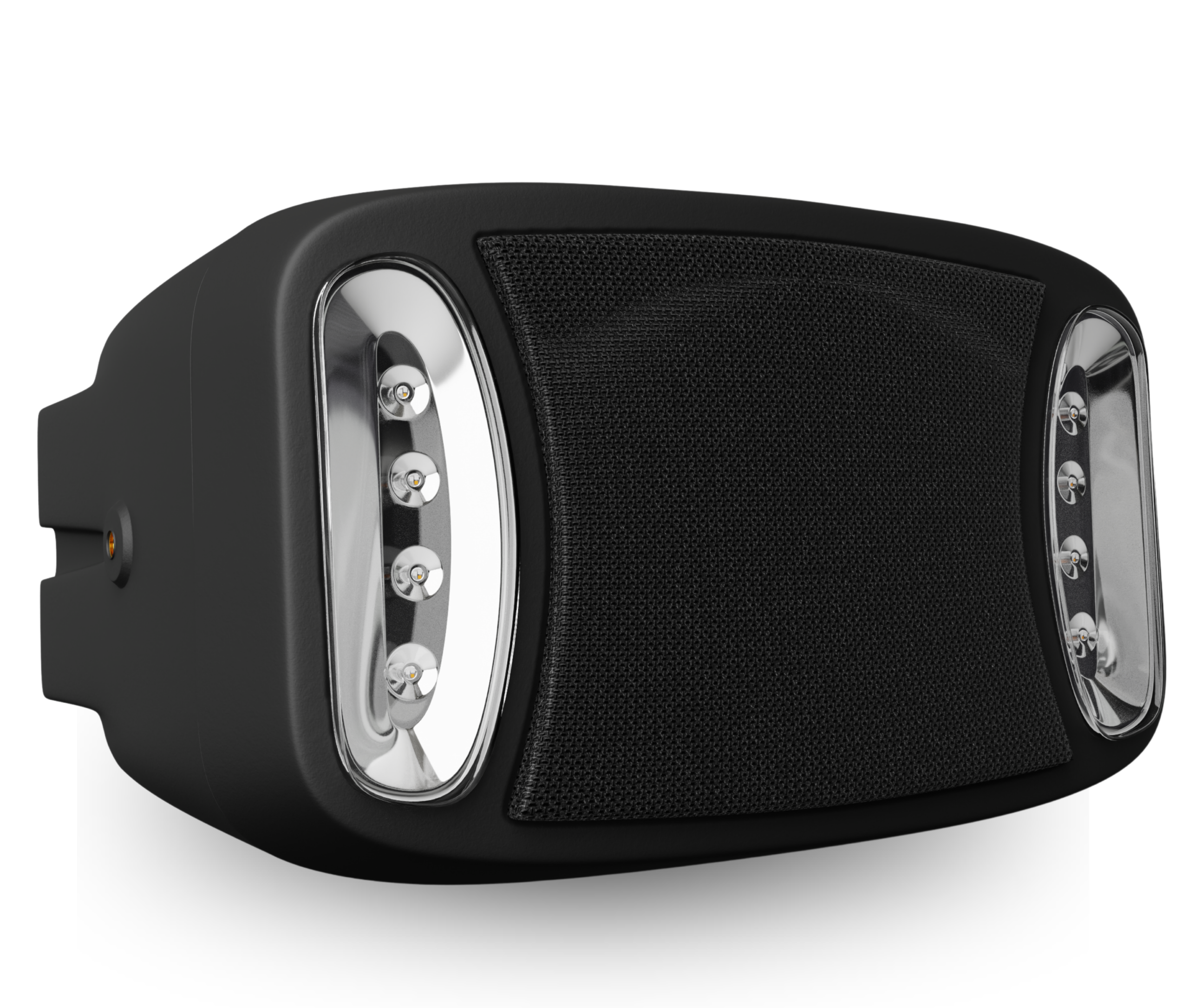
Designed for outdoor use, ARTÉMIS+ sirens work in the same way as Athena+ beacons and Hestia+ sirens. They are interconnected with indoor manual triggers and Athena+ beacons. They are light and sound diffusers (110 dB). They have a backup battery with 72 hours of autonomy.
The siren broadcasts spoken alert messages such as:
IT IS EQUIPPED WITH:
The final design may vary before it becomes available. Image not contractually binding.
SOS button
The KEEPER alert button is connected to the SecurIT SOS mobile app via Bluetooth.
The final design may vary before it becomes available. Image not contractually binding.
SOS button
Our mobile app is the perfect PTI alert solution for workers equipped with business smartphones. Unlike traditional apps, our app works without additional installation, tracking, or unwanted listening. Users can manually or automatically ( in 2024) trigger an alert in an emergency situation. The alert chain is the same as on our Athena+ PTI beacons, ensuring a rapid and effective response.
It is also compatible with our safety plan solutions (PPMS/POMSE).
The SecurIT SOS app can also be paired with a Keeper alert button for optimal effectiveness.
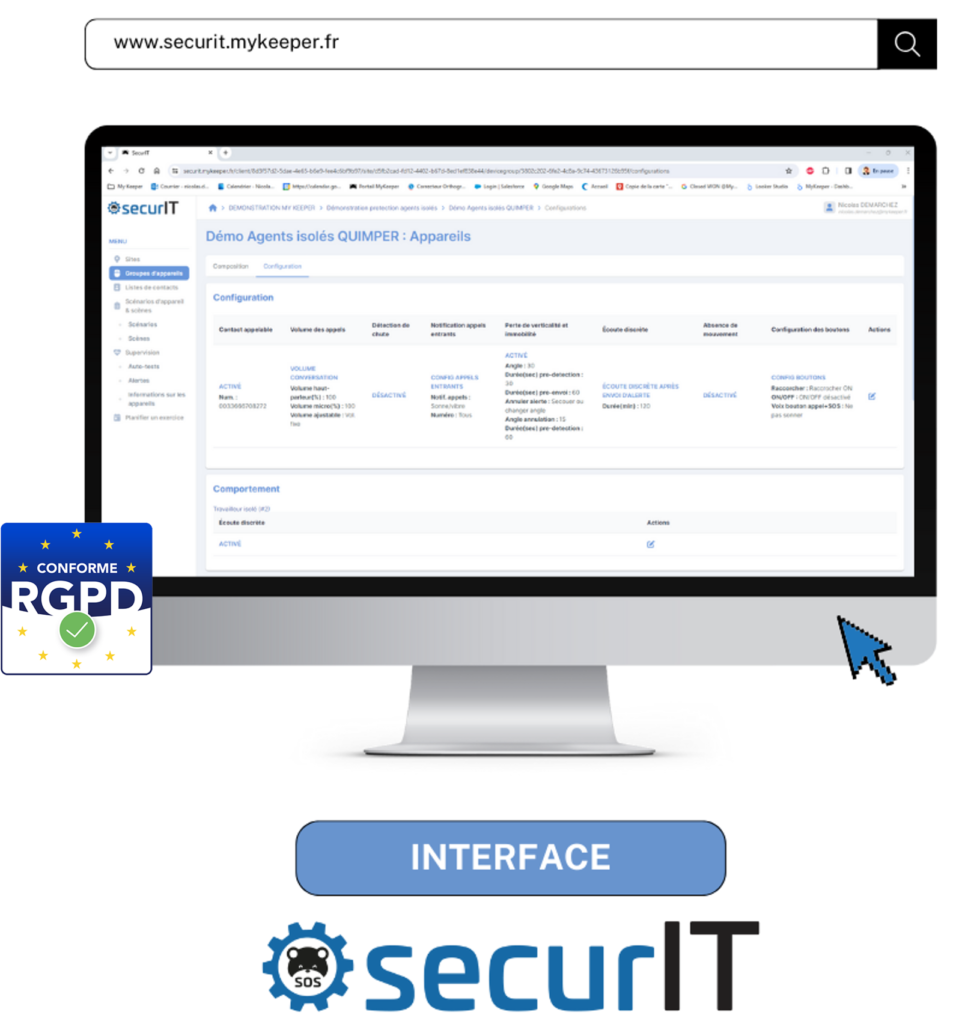
The secure administration interface is accessible via your web browser (SaaS) and allows you to manage your ATHENA+ fleet.

Administrators will be able to view and modify facility information, view beacon self-tests, geolocate mobile devices in your fleet, and view and track alerts issued across all city sites.

Manage and customize various alerts (intrusion/attacks, major risks (industrial, natural, health), fire, serious incivility, etc.).
Configure alerts to be sent to one or more sites.

Locate a tag during an alert or when it is lost
Plan an exercise independently
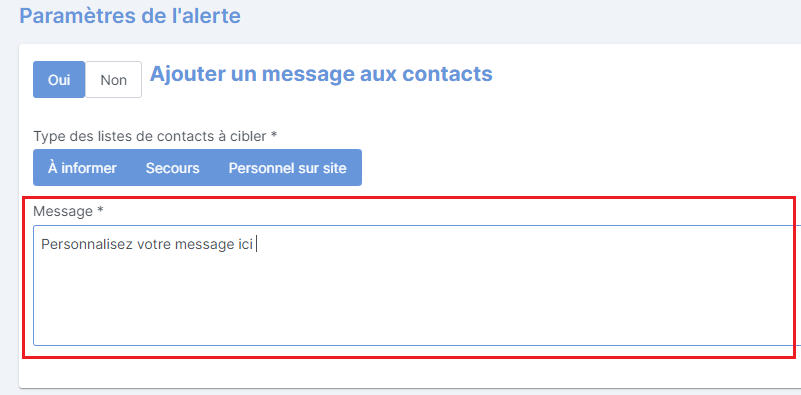
Customize your alerts
Report on uncharged tags
Reassign a tag or mobile app license when there is a change in personnel

Download information from your site.
A new trigger will activate a level 2 alert with a new trigger of one or all of the actions described above.
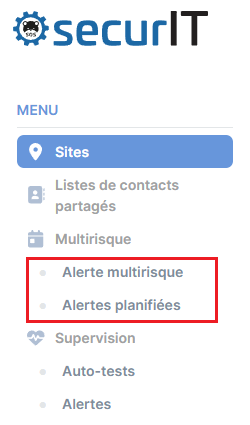
The SecurIT alert interface allows you to create scenarios, schedule their automatic dispatch, or launch an alert to mobilize your teams in seconds. These alerts instantly activate alarms on SecurIT devices:
– Audible alarm with spoken messages (adjustable volume, 8 customizable MP3 sounds).
– Customizable flashing light (8 colors available to associate a color with a risk, thereby improving responsiveness and understanding of alert protocols).
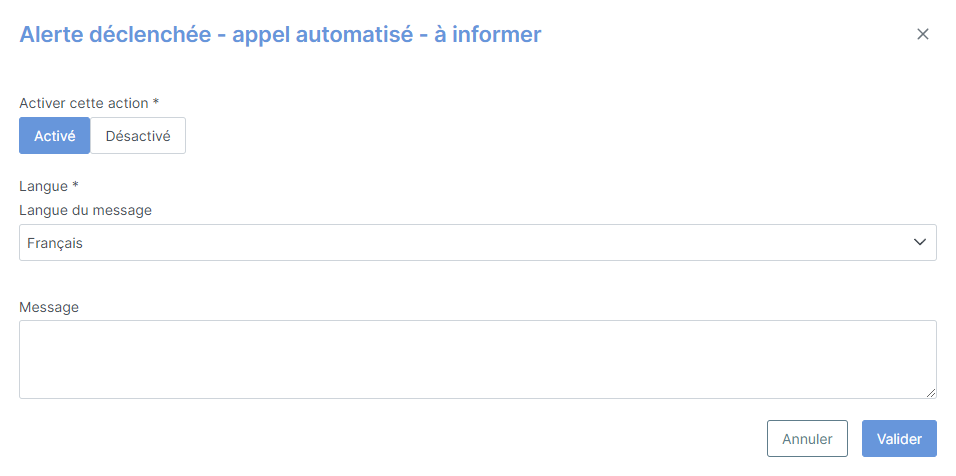
– Information via various communication channels: text messages, automated calls, emails, with three customizable contact lists ("On-site personnel," "People to notify," "Emergency contacts").
– Selecting alert recipients: one building, several buildings, all buildings, and/or user groups in your My Keeper Cloud.
The secure management interface is accessible via your web browser (SaaS) and allows you to manage your ATHÉNA+ fleet.
Access your interface with complete peace of mind.
Find the alert history on the interface and the logbook by email
Schedule exercises even during your vacation with automatic alerts.
Control the dissemination of building alert information to nearby sites.
Activate your devices instantly from your PC, smartphone, or tablet
Create as many alert templates as you want
Safety plans are often managed using alert software, but triggering them requires being in front of a PC and is only accessible to a limited number of users.
My Keeper offers a solution by strengthening the handling of the most likely specific risks (e.g., SEVESO zone) or those with the greatest impact (dam failure) via a simple SOS button.
No need to log in to the interface anymore!

Long click or triple click on the SOS button

Manual activation of the siren

Using the SOS button

One of the four buttons
The example of the YARA exercise in St-Nazaire demonstrates the responsiveness and reliability of the My Keeper solution when a major risk is reported by the prefecture.
On January 31, 2019, the Loire-Atlantique prefecture simulated an emergency at the YARA factory, a Seveso-classified site. Among the 16 municipalities concerned, Saint-Nazaire used the My Keeper alert solution to secure its schools and early childhood facilities.
During this exercise, a "toxic cloud" alert was simulated. My Keeper proved its effectiveness by transmitting the alert and confining 23,000 students and adults in 3 minutes, compared to more than 30 minutes for the national education system.
Feedback: the needs of the municipality, which is exposed to numerous risks, were met, as were those of school staff, who described the alert messages as "clear and not anxiety-inducing for children."
For each job, there is an optimal configuration for managing alerts.
Click to find the one that suits you best.
We will respond as soon as possible. You can also call us at +33 (0)4 83 43 20 32.
Already a customer? Contact our support team at support@mykeeper.fr.
To provide the best experience, we use technologies such as cookies to store and/or access device information. By consenting to these technologies, we will be able to process data such as browsing behavior or unique IDs on this site. Not consenting or withdrawing consent may have a negative effect on certain features and functions.
My Keeper uses cookies and trackers to improve the user experience, measure site traffic, optimize site functionality, integrate content from social networks, and show you personalized ads.
Discover how SecurIT helps you manage your site and personal security issues.
Schools, Colleges, High Schools – Businesses – Hospitals – Sensitive Sites – Serious Incivility – PTI / DATI – Fire – Commercial Spaces – General Public